![logo2.png]](https://help.brandwizard.io/hs-fs/hubfs/logo2.png?height=40&name=logo2.png)
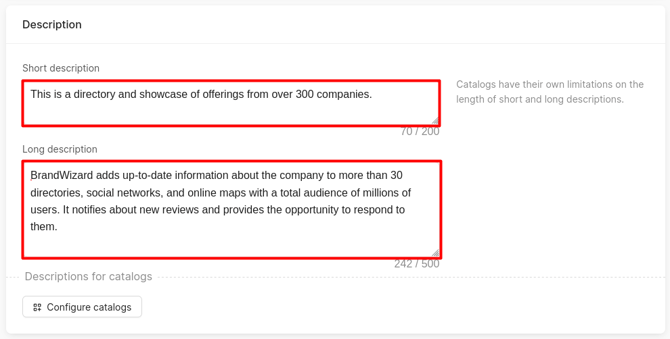
In the Description section, provide a brief and full description of the company accordingly.
How to create a proper description of your business can be found here.
Why there are brief and detailed descriptions can be found here.
Attention!
-
The number of characters that a Short description can contain should not exceed 200.
-
The number of characters that a Long description can contain should not exceed 500.
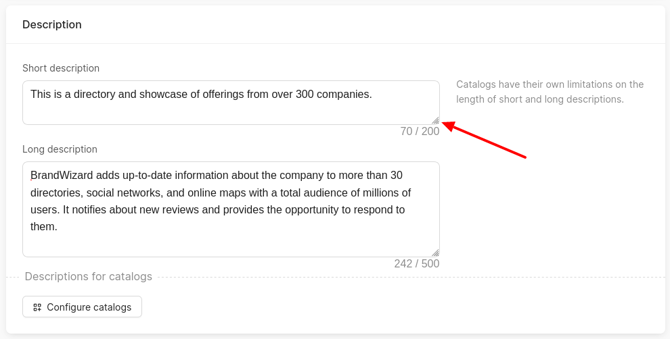
To increase the margins, you need to move the mouse cursor to the lower right corner, hold down the left button and pull down.
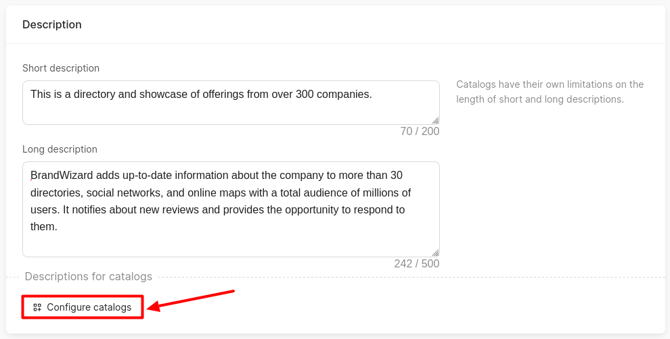
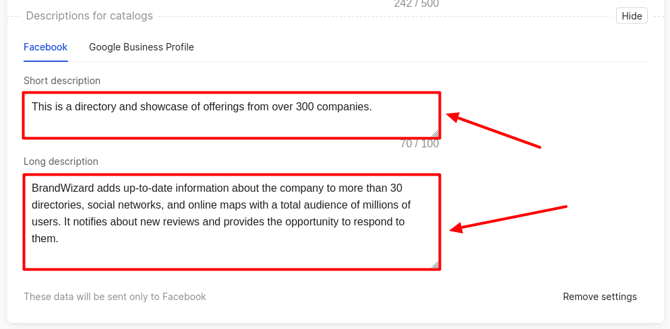
You can add other descriptions for Google and Facebook. To do this, click on Configure catalogs. This button will become available only after entering data in the main fields.
The Catalog picker window opens, where you should check the boxes for the necessary services, then click on Add.
Attention! You can select only those catalogs that are available for the company's country.
Additional fields for each of the selected catalogs will appear.
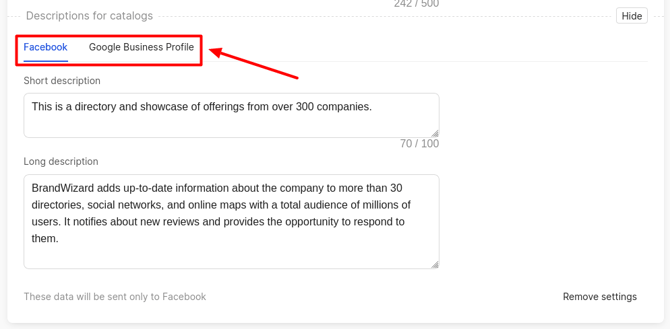
The fields to be filled out are the same as those described above in this article.
Attention!
- The long and short descriptions for Google should not exceed 750 characters.
- The long description for Facebook should not exceed 550 characters. The short description must not exceed 100 characters.
Restrictions for the company description in Google
| Length | No more than 750 characters (including spaces). |
| Links | Any URLs and HTML code are prohibited. This also applies to domains without http://, for example website.com - saving such a description will trigger the error Description contains URL. |
| Advertising and prices | Do not emphasize discounts, prices, or sales (e.g., "–50%", "only $5"). |
| Text quality | Typos, incoherent text, gibberish, excessive use of special characters (★, ®, etc.), and writing in ALL CAPS are not allowed. |
| Prohibited content | Google's general policies apply: fraud, hate speech, impersonation, and any other policy‑violating content are forbidden. |
What is not explicitly prohibited, but better to avoid
| Phone number | Google's help for description does not mention phone numbers, but contacts are better placed in the dedicated profile fields. |
| Promotions and offers | Use Google Posts for advertising messages, not the description field. |
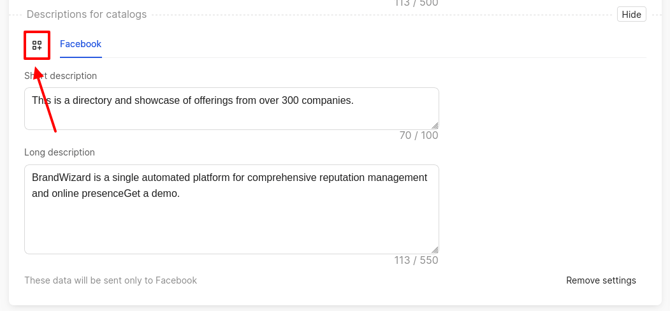
If one service has been selected, then to add another one, click on the icon located next to the source. The Catalog picker window opens.
If there is no need to add separate information for the catalog, then click on Remove Settings.
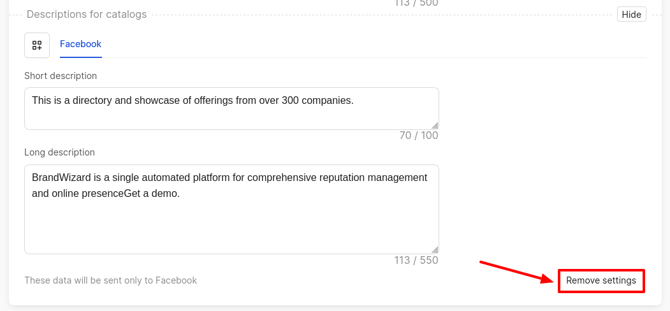
A window opens where you need to click on Confirm.
How to add/edit a company logo and cover, you can find out further.