![logo2.png]](https://help.brandwizard.io/hs-fs/hubfs/logo2.png?height=40&name=logo2.png)
In this article, you will get acquainted with the following information:
- How to select a date to display data?
- What statistics are presented on the page?
- How to download synchronization data on platforms?
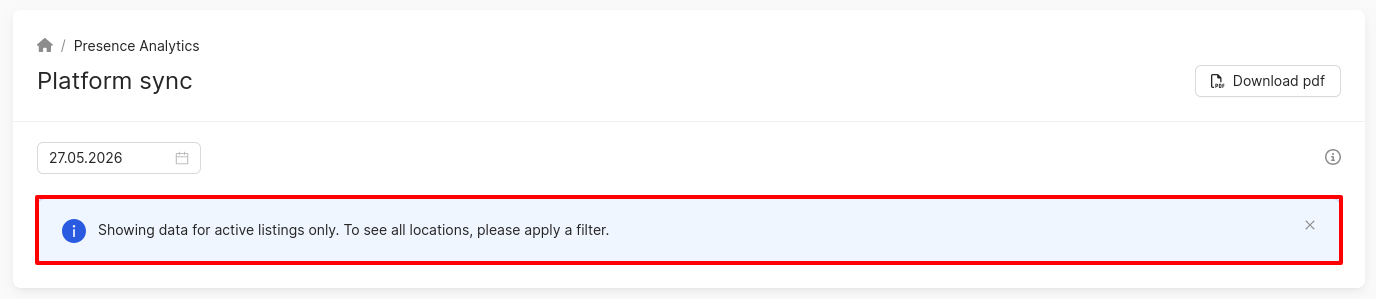
To open this page, click on Presence analytics in the menu and choose Platform sync.
How to select a date to display data?
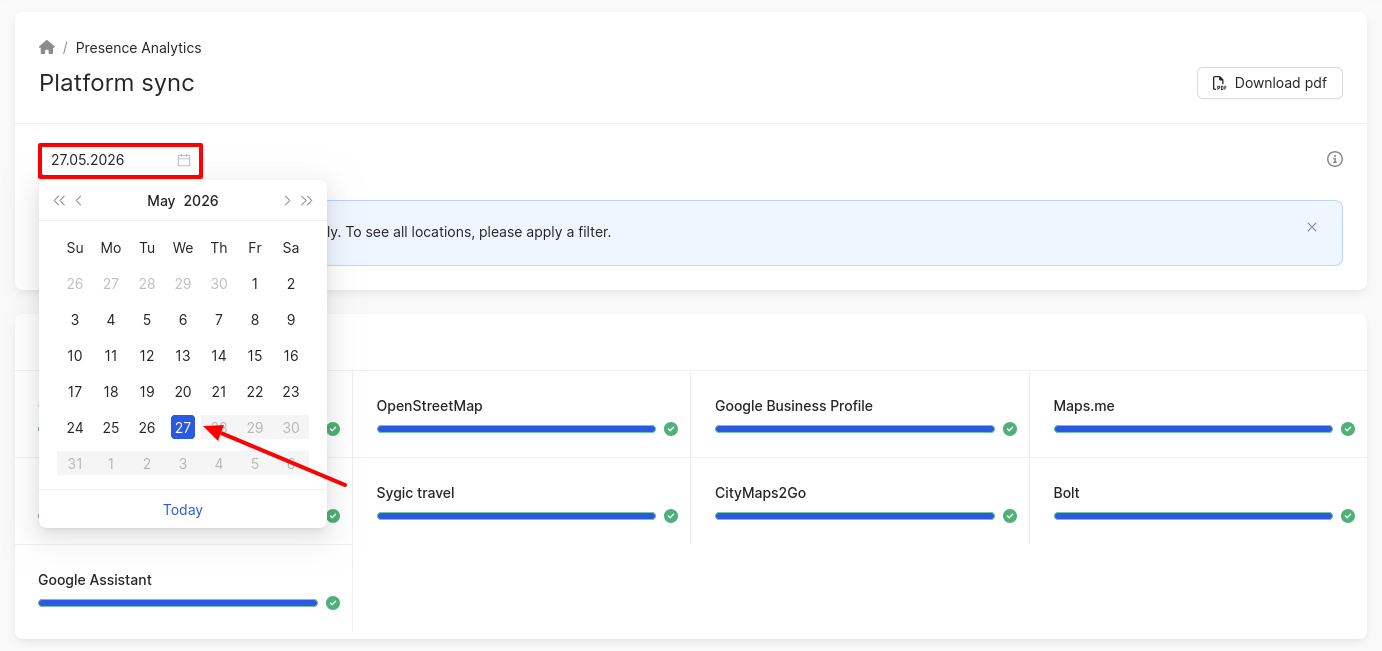
Attention! Synchronization statistics will be available on the following day. By default, the page shows the actual date, but the statistics will be shown for the previous day.
To see another day’s statistics, click on the date field and choose the day you need.
What statistics are presented on the page?
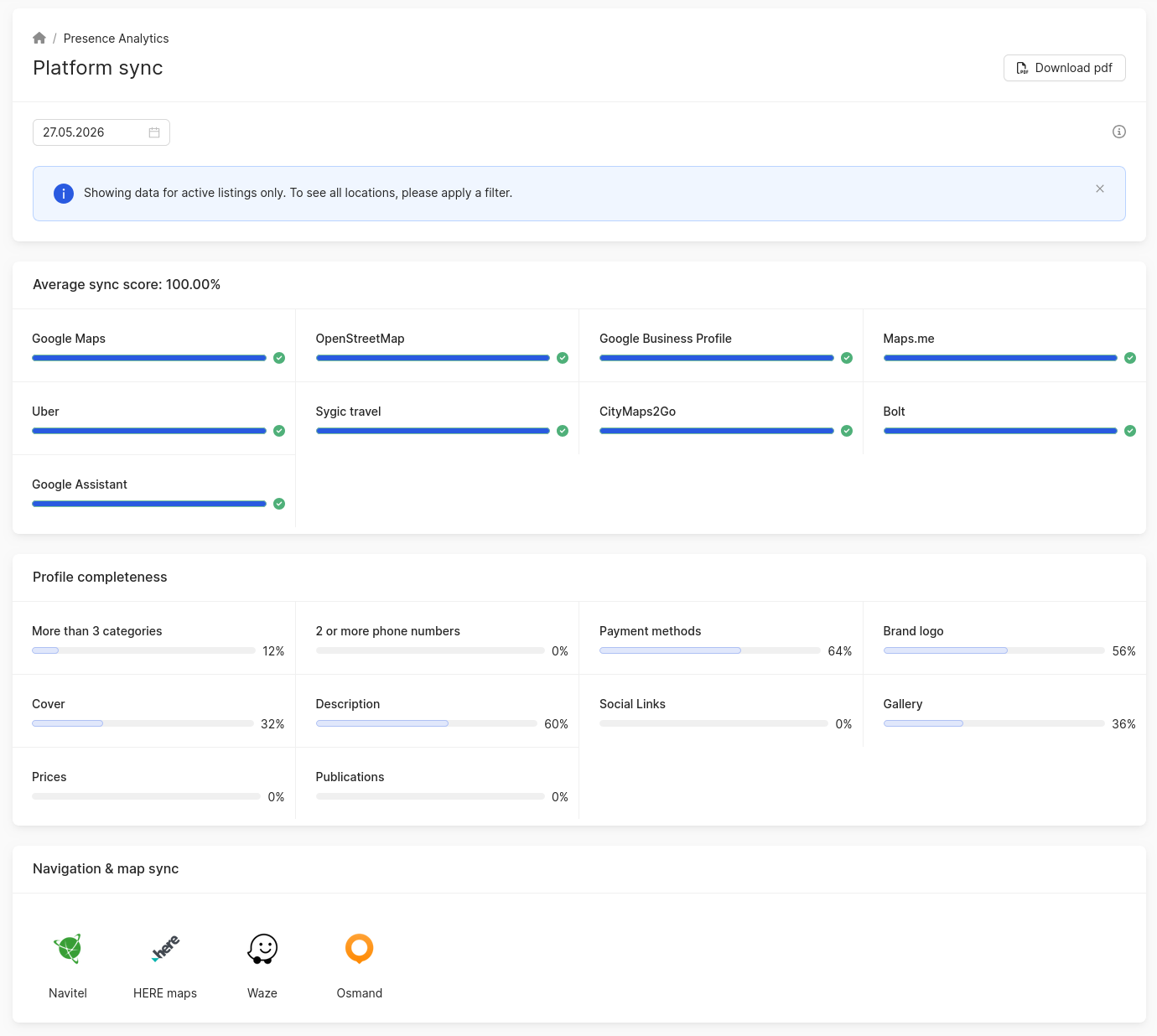
In this section, you can find the following statistics related to synchronization on the platforms:
-
Average sync score. Additionally, the average synchronization percentage across all services will be shown.
-
More than 3 categories.
-
-
- Description.
- 2 or more phone numbers.
- Links to social media: Facebook, Instagram, Viber, Whatsapp, Telegram, LinkedIn, Youtube, Twitter.
- Payment methods.
- Gallery. The gallery is considered filled when there is at least one photo.
- Brand logo.
- Prices.
- Cover.
- Publications (created in the last 30 days).
- Navigation & map sync.
How to download synchronization data on platforms?
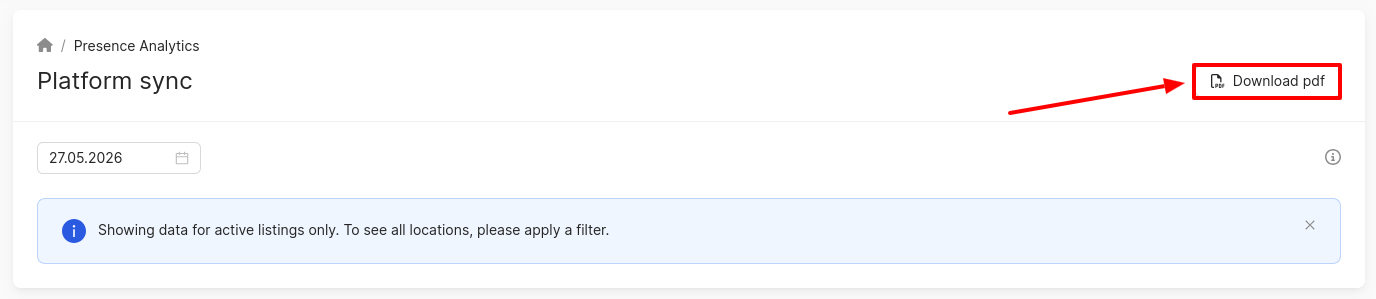
You can download the synchronization statistics in pdf format by clicking on Download pdf.
To download data in .xlsx format, visit the Cross-platform analytics overview page for all catalogs. More information about this can be found here.
Learn more about Search query impressions further.