![logo2.png]](https://help.brandwizard.io/hs-fs/hubfs/logo2.png?height=40&name=logo2.png)
In this article, you will get acquainted with the following information:
- How to add/edit a product group?
- What data about product uploads are provided in the section?
- What statuses can product and price groups have?
- How to delete a price group?
In this section it is possible to upload prices via a file, feed or IIKO to the Google, 2GIS (URBI) and Yandex services.
On the page you can:
- Create a price upload group from a feed, file, or IIKO.
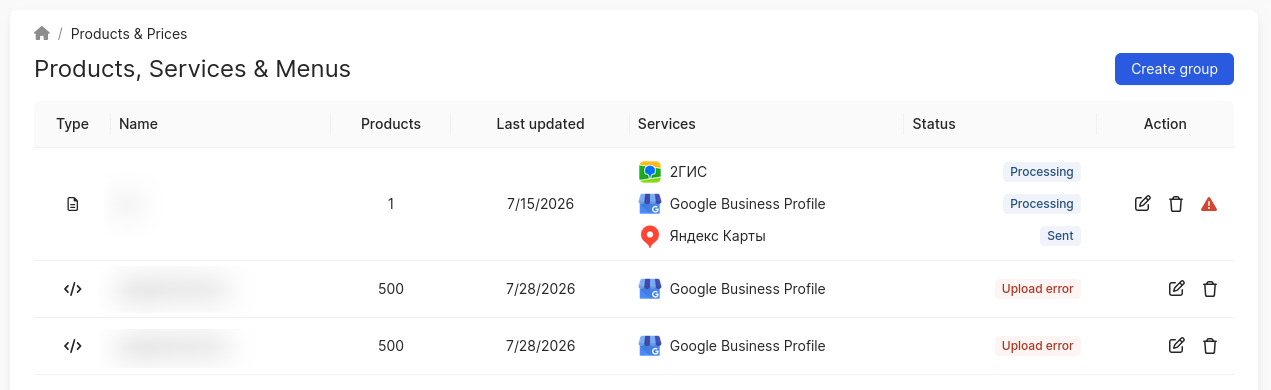
- View the download status of catalog prices, the update date of the group, the number of products, as well as which source they were added to.
- Edit price groups.
In order to open this section, you need to click on Products & prices in the menu.
The corresponding page open.
How to add/edit a product group?
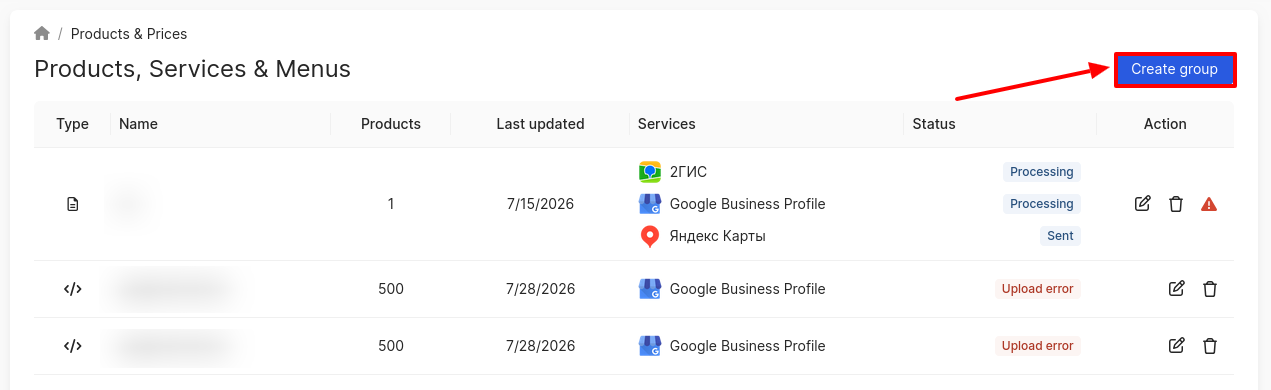
To add a group, click on Create Group.
A window will open, in which you need to choose how to download the products:
-
Import from File.
-
Connect a feed.
- IIKO.
After making your selection, click on Create Group. The page for creating a group from a file, feed, or IIKO will open.
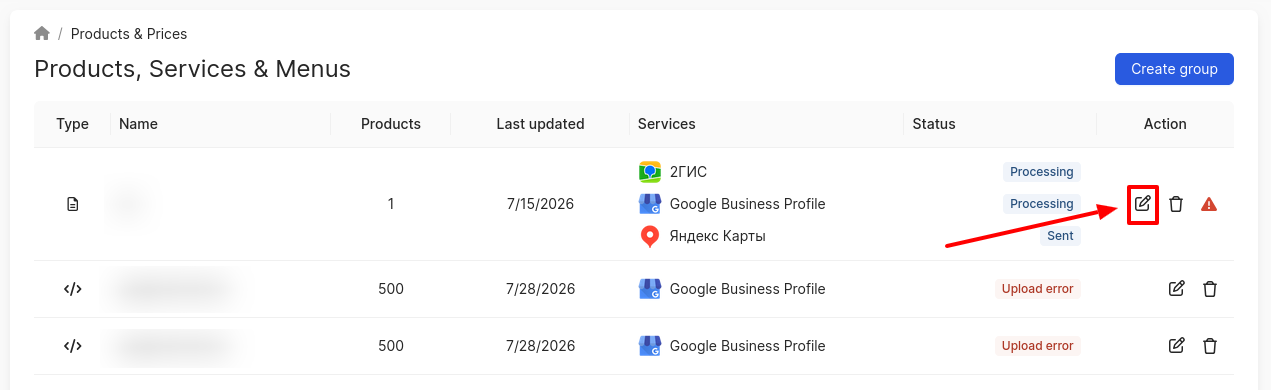
To modify a group, click on the edit icon. The Edit products group page will open.
For detailed instructions on creating/editing a product group, you can read the articles:
- How to create/edit a group from a file?
- How to create/edit a group from a feed?
- How to upload products via IIKO?
What data about product uploads are provided in the section?
The section displays a list of product groups for uploading to catalogs:
- Type — indicates how the products were uploaded: from a file, from a feed, or from IIKO.
- Name of the group.
- Products - displays the number of downloaded products.
- Update Date - the date the group was created or last edited.
- Services (Google, Yandex, 2GIS (URBI)).
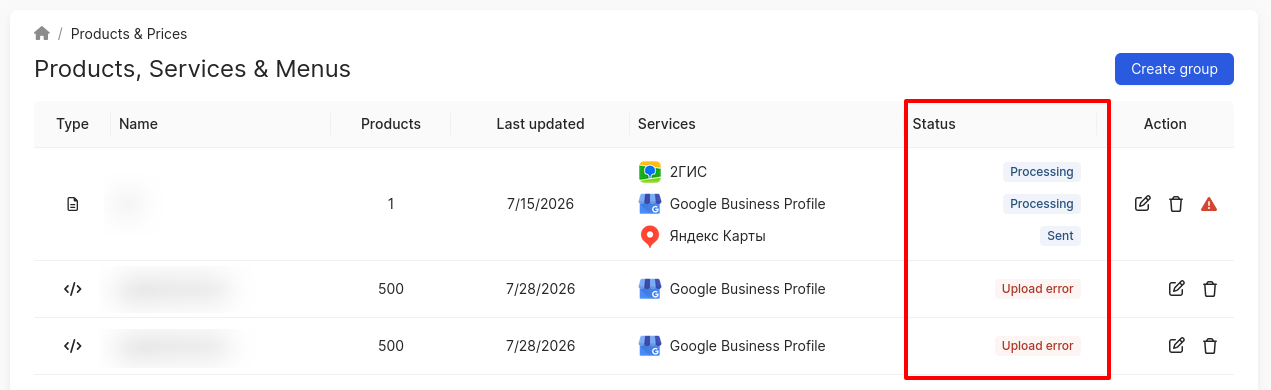
- Status (processing, synchronized, has errors, error). Attention! For the 2GIS catalog, only the status Processing will be displayed, as we are currently unable to verify the status in the source.
- Actions (edit/delete group).
What statuses can product and price groups have?
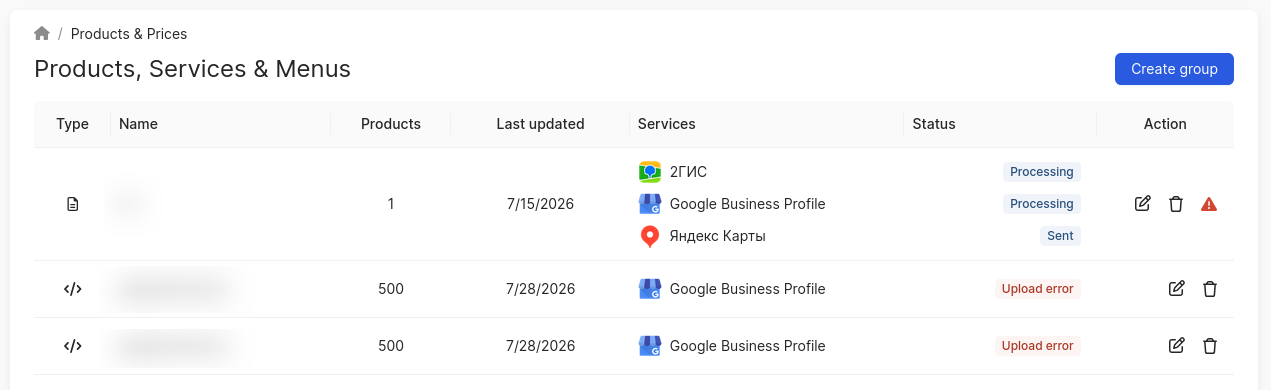
The section displays processing and submission statuses, allowing you to track the state of product and price groups:
- Processing — several options:
- Validation of products in the created or edited group is in progress.
- Sending data to the catalog.
- Sent — products have passed validation without errors and should be successfully uploaded.
- Attention!
- This status is not displayed for the 2GIS catalog.
- If, after uploading the Products category to Google and setting the Synchronized status, some names have not been displayed on the catalog itself, then this behavior is due to problems on the side of Google itself. Everything has been successfully sent and uploaded from the BrandWizard side.
- Upload error — several options:
- Feed unavailable (for a group from a feed).
- File/feed failed validation, there are errors in the file/feed itself.
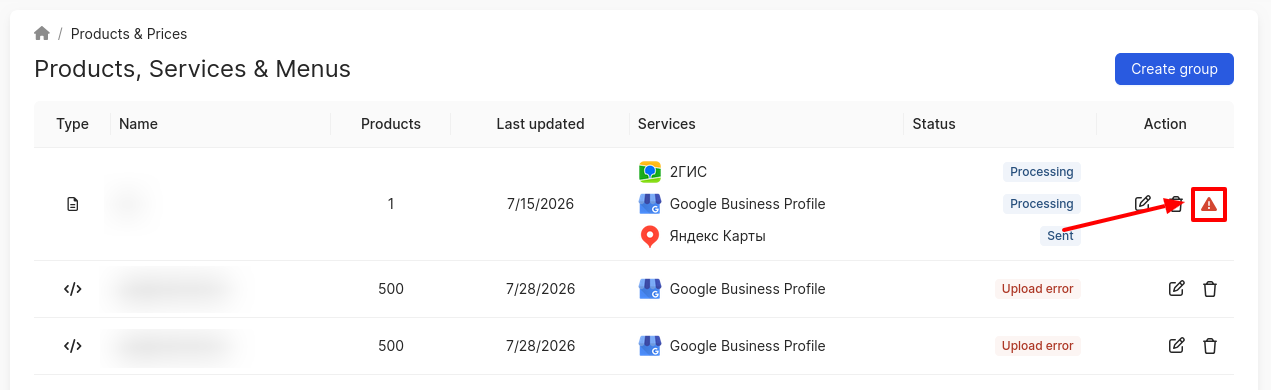
An exclamation mark icon may appear in the Action field. Clicking it will download a file with errors for this product group.
How to delete a price group?
To delete a group, click on the corresponding icon.
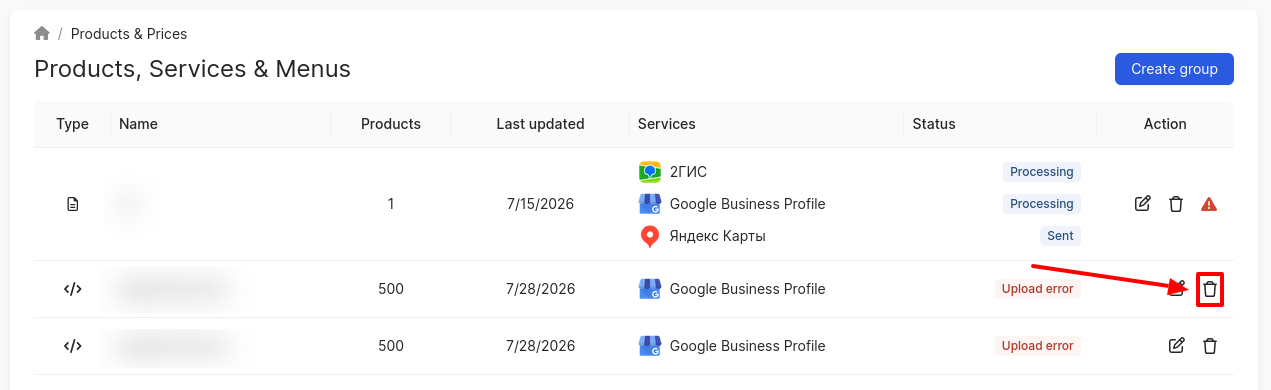
In the pop-up window, click on Delete.
How to create/edit a group from a file, you can find out further.