![logo2.png]](https://help.brandwizard.io/hs-fs/hubfs/logo2.png?height=40&name=logo2.png)
To view the post calendar, you need to click on Calendar.
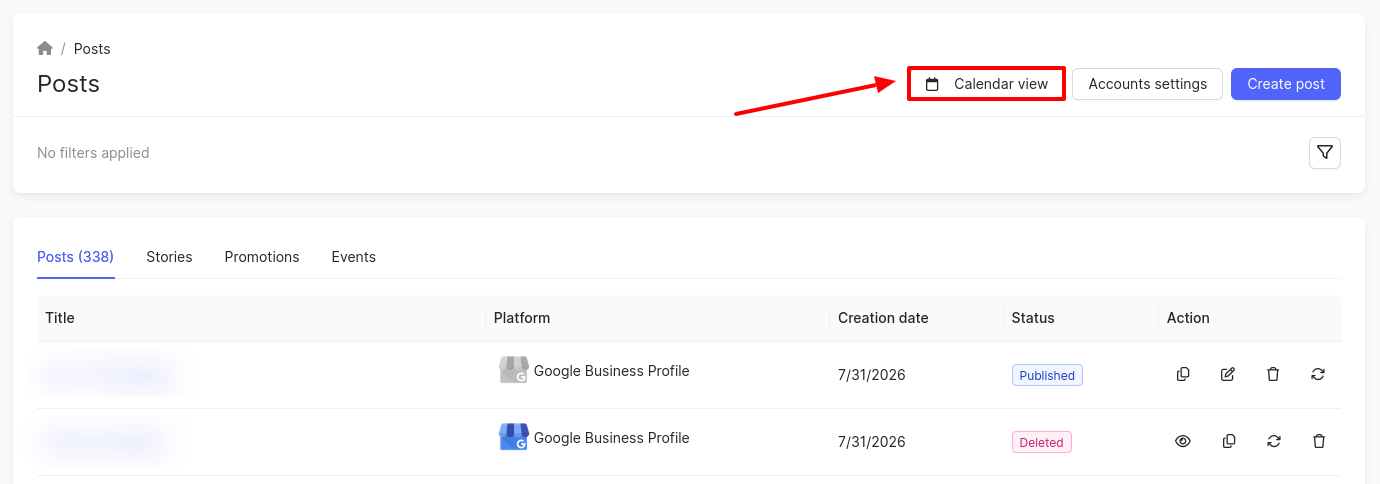
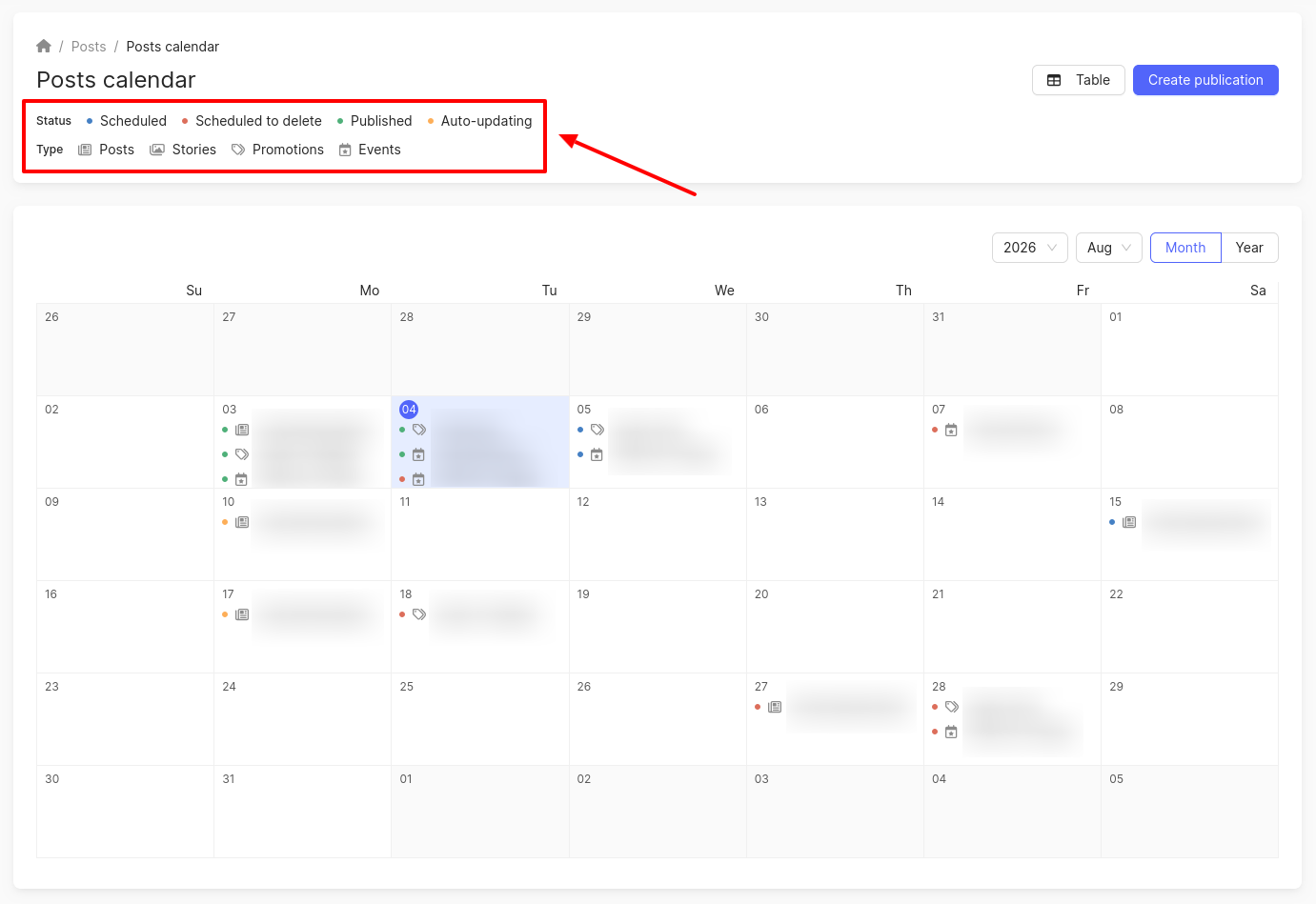
The Post Calendar page will open, where you can:
-
View scheduled, sent, scheduled for deletion, and auto-renewed posts / stories / promotions / events.
-
View posts for a specific month and year.
-
Create a post.
In the calendar, the status of a publication and its type (post, story, promotion, event) are distinguished by color and icons.
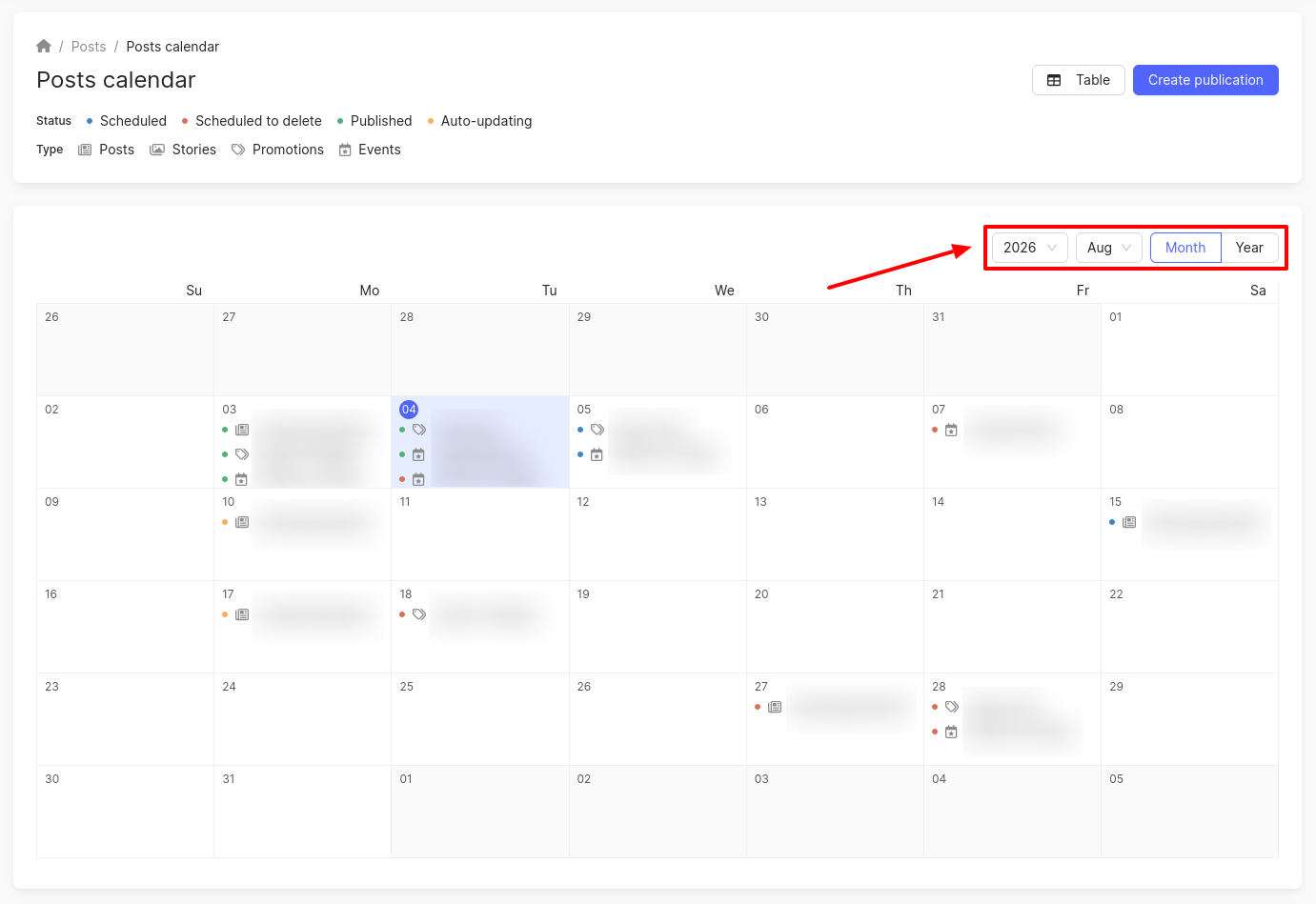
You can view data for a different month or year, and also select the calendar display: month/year.
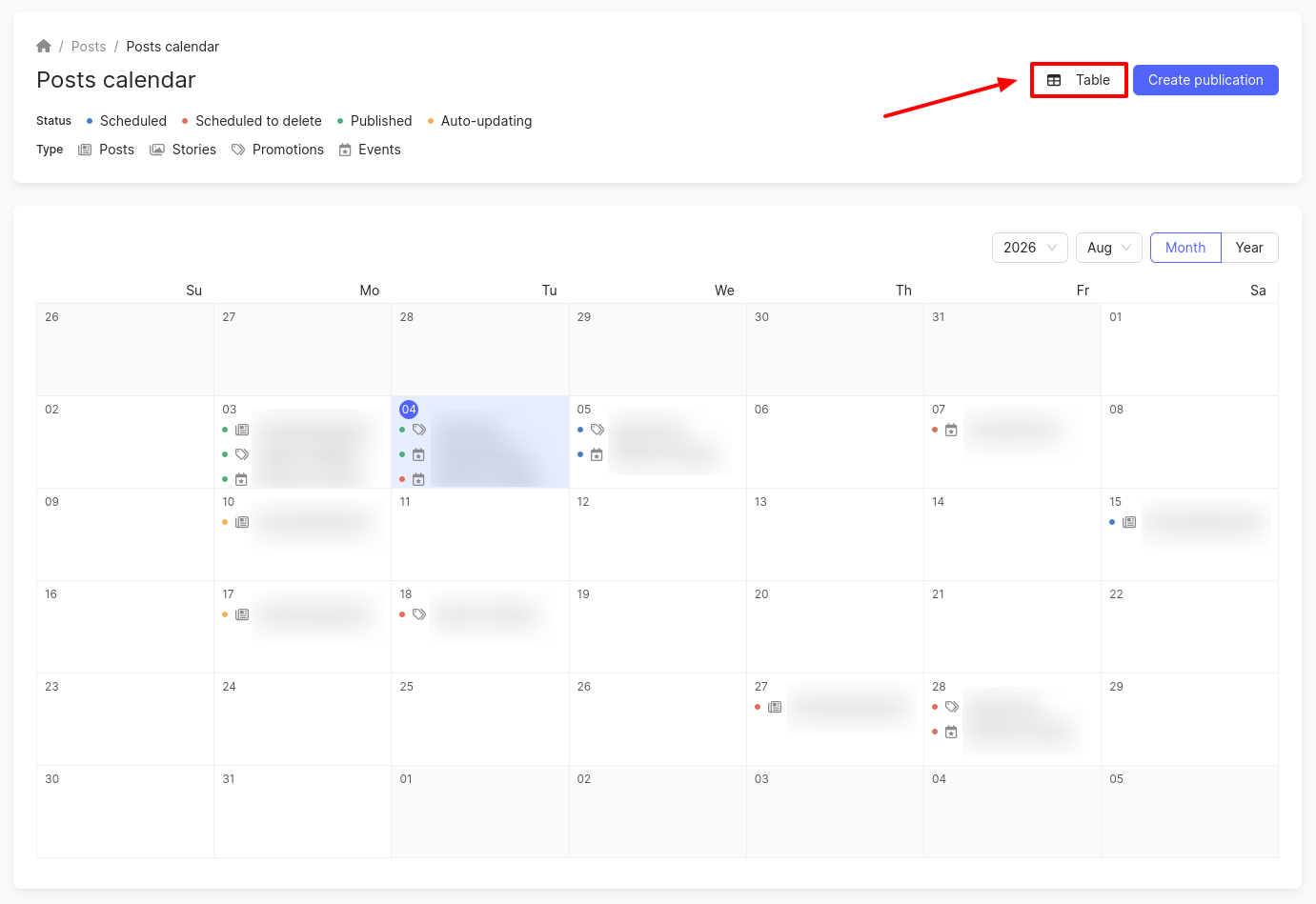
To return to the Posts page, click on the Table icon.
You can find out about the Duplicates and fakes page further.